
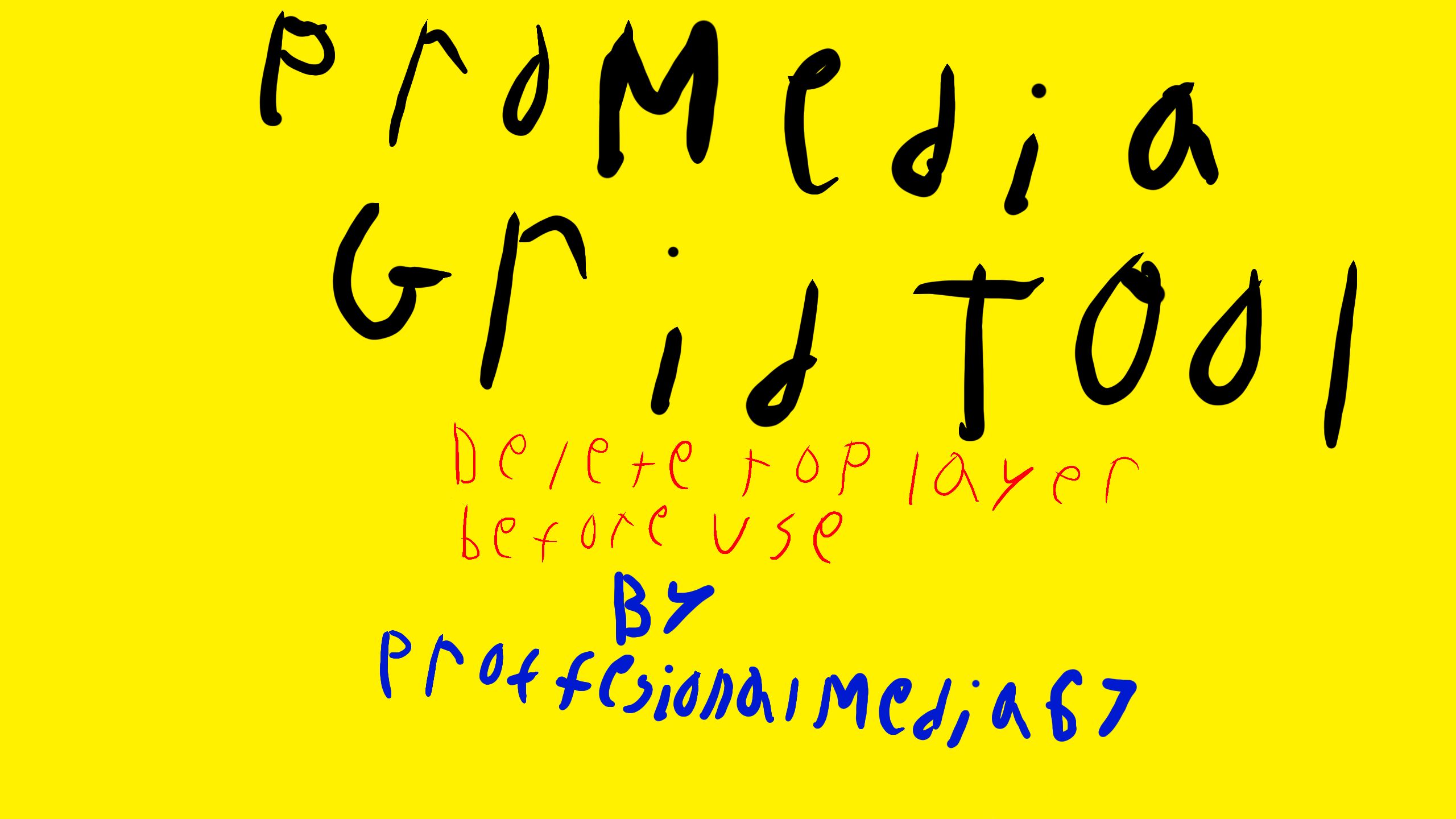
Pro Media Grid Tool by ProfessionalMedia67
This tool is a grid. It's slightly uneven, but I tried my best. Don't know how to use/find the built-in grid, or you're tired of limits? Use this! Delete top layer, then use top empty layer for drawing. I suggest deleting/hiding the grid when done drawing, it is for the painter only to use/see.
↑ALTER/ERASE↑
↓KEEP↓
#remixable #grid #tool #ProMedia
Tool created by @ProfessionalMedia67
I will use this correctly if used at all.
↓DELETE↓
People allowed to use: @Jens @DeVanishrr
Comments
6
like
reference image
eraser
eyedropper
time taken
nsfw
flip
undo
paint with friends
private
used tools icons
500
100
25
5
1
The comment has been reported
The Colors! Gallery moderators will look at it as soon as possible.
delete comment?
just delete
delete comment and prevent this user from commenting on your paintings
report as inappropriate
confirm


Comments
15 Mar, 2026, 10:42 pm
note that if you copy and #remix this, the #remix tag should be either in front of the #remixable tag, or the #remix tag gets moved where the #tool tag is in front of it.
15 Mar, 2026, 10:45 pm
this is because when this gets copied and remixed, the #remix tag ends up in the wrong place (which is in the place that makes the "People allowed to use:" in front of it) instead of the correct place (before #remixable tag or after #tool tag).
16 Mar, 2026, 12:17 am
for the thing that says "↑ALTER/ERASE↑", above it you either delete or turn into your artwork description (just so you know)
19 Mar, 2026, 11:58 am
the grid is uneven, btw people can make their own grid using the pixel brush, everybody (excluding like 40 out of the 10,000+ users) knows how to
19 Mar, 2026, 7:06 pm
@Oko__ ik the grid is uneven, and i am planning to make the grid have smaller boxes and more boxes (so that people can have an efficient grid, even when not at all using pixel brush)
04 Apr, 2026, 10:39 pm
oh my god WHY WHY WHY JUST WHY OH WHY CANT I SPELL @PROFESSIONALMEDIA67 CORRECTLY IN THE SPELLING OF THE ARTWORK DRAWING THAT MAKES ME MAD :angry: