
reference image
eraser
eyedropper
time taken
nsfw
flip
undo
paint with friends
private
used tools icons
500
100
25
5
1
The comment has been reported
The Colors! Gallery moderators will look at it as soon as possible.
delete comment?
just delete
delete comment and prevent this user from commenting on your paintings
report as inappropriate
confirm


Comments
29 Dec, 2025, 7:11 pm
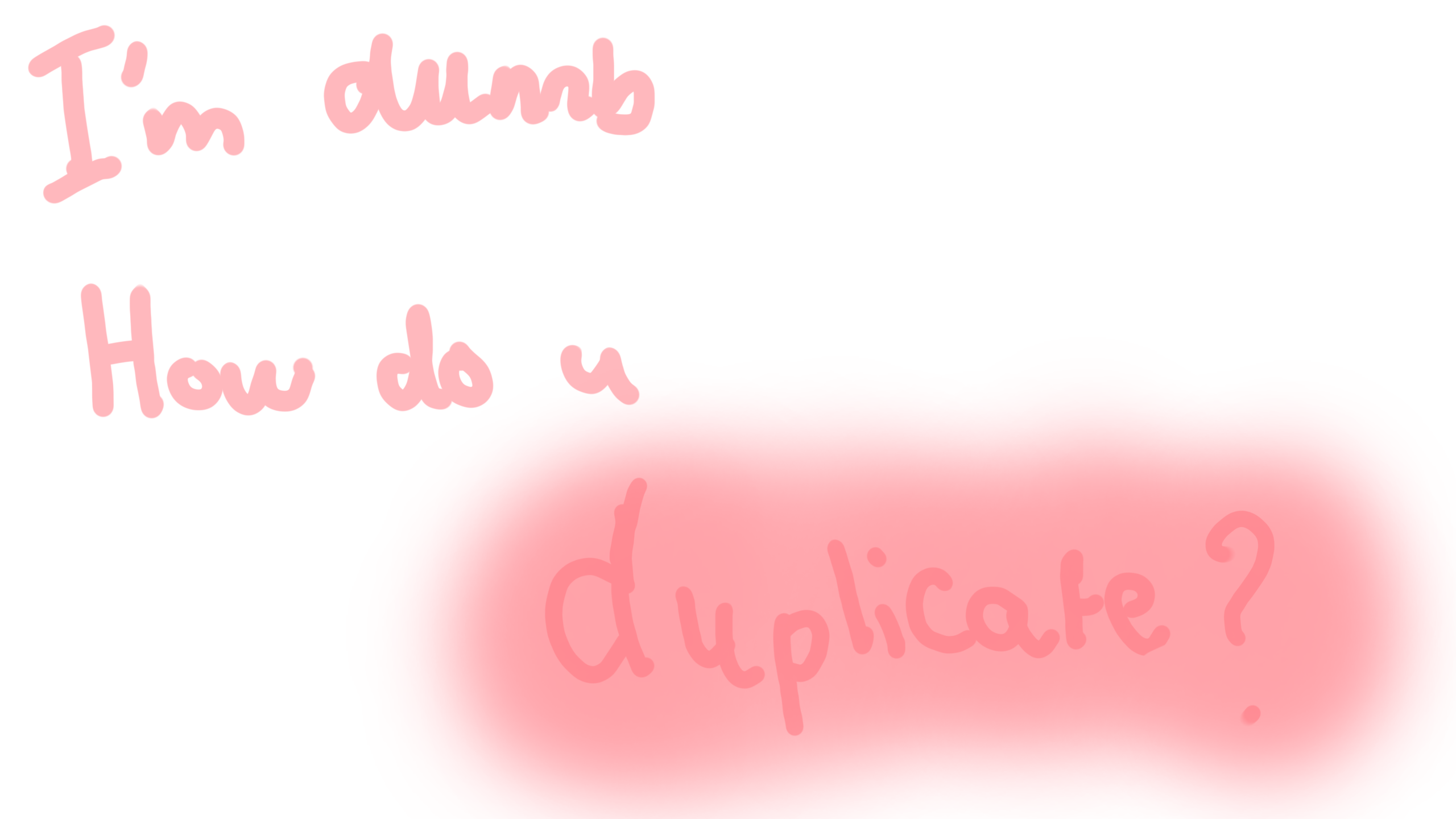
You mean like remix?? If so, you go to the bottom of the painting you to remix and it will say remix and copy and you press that and then look in your gallery and it should be there lol!!
29 Dec, 2025, 7:12 pm
go to layers and push copy layer i can also tag you ina tut
29 Dec, 2025, 7:27 pm
still dont get it
29 Dec, 2025, 8:06 pm
Go into layers and on the right side there should be a button that says, duplicate layer. Press that and it will duplicate. Then you can use your select move tool and move whatever part of your drawing that you'd like to be duplicated.
29 Dec, 2025, 9:37 pm
im new
29 Dec, 2025, 9:37 pm
ish